The scoreboard
FLLTools has a live scoreboard. As soon as a referee saves a score, the ranking is recalculated and the scoreboard refreshes by itself. So there is no need to reload the page.
There are 3 versions of the scoreboard.
Public scoreboard
This is the scoreboard visitors land on when they visit the site. You can find it at https://yourevent.flltools.nl/scoreboard (replace "yourevent" with the name of your event), or via Scoreboard (1) in the menu at the top.
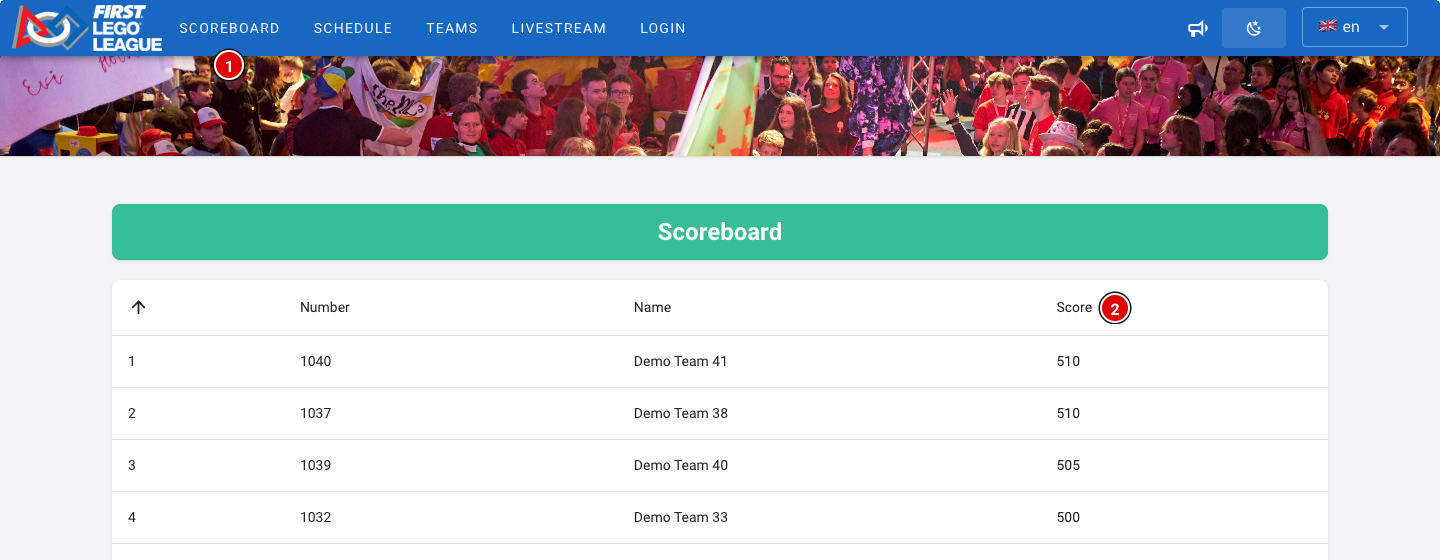
- Teams are ranked by their best score (2) across all rounds. Only the best match counts, as in the official FLL rules.
- If two teams have the same best score, the second-best score decides, then the third, and so on. Teams that are completely tied share the same place.
- Practice rounds and hidden rounds are not counted on this scoreboard. The practice round doesn't count towards the result, and the hidden rounds (usually the last round) keep the suspense going until the awards ceremony.
- A team appears on the scoreboard as soon as it has a score in a round that counts.
- If you run several tournaments, the public scoreboard shows the tournament selected at Public Tournament in Setup → Settings.
When playing with a score sheet for a future or trial season, teams are ranked by their average score instead of their best score.
Kiosk scoreboard
Want to show the scoreboard on a big screen or a publicly accessible device in the venue? Use https://yourevent.flltools.nl/scoreboard/kiosk. This scoreboard shows the same ranking, but without the menu and without a login button. Visitors can't navigate anywhere else from this screen.
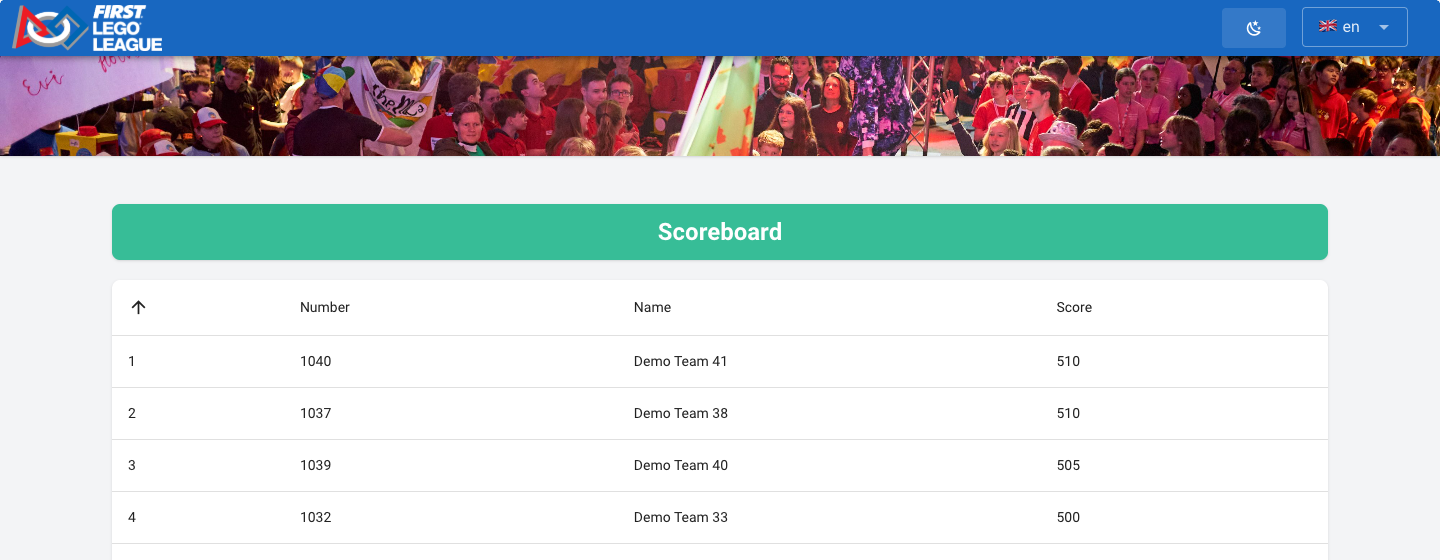
- Open the page in a browser on the computer connected to the screen.
- Put the browser in full-screen mode (usually with the F11 key).
- Turn off sleep mode and the screensaver on the computer, so the scoreboard stays visible all day.
Want to show the schedule, the timer or the tables on a screen as well as the scoreboard? Use the info screens. See the page about Info screens.
Administrative scoreboard
Logged-in users can find the administrative scoreboard via Scoreboard (1) in the menu. The same applies as for the public scoreboard, except that only the practice rounds are left out here. Hidden rounds are counted for logged-in users.
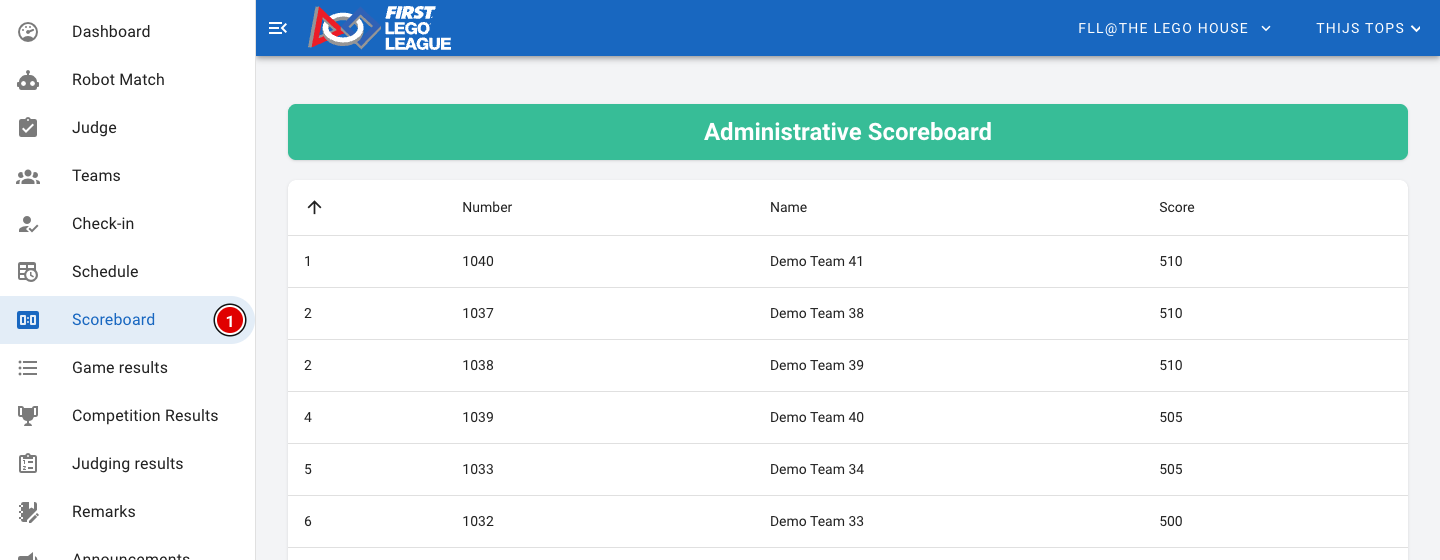
So don't show the administrative scoreboard on a public screen while rounds are still hidden. After the awards ceremony you make the hidden round visible; see the page Making the last round visible.